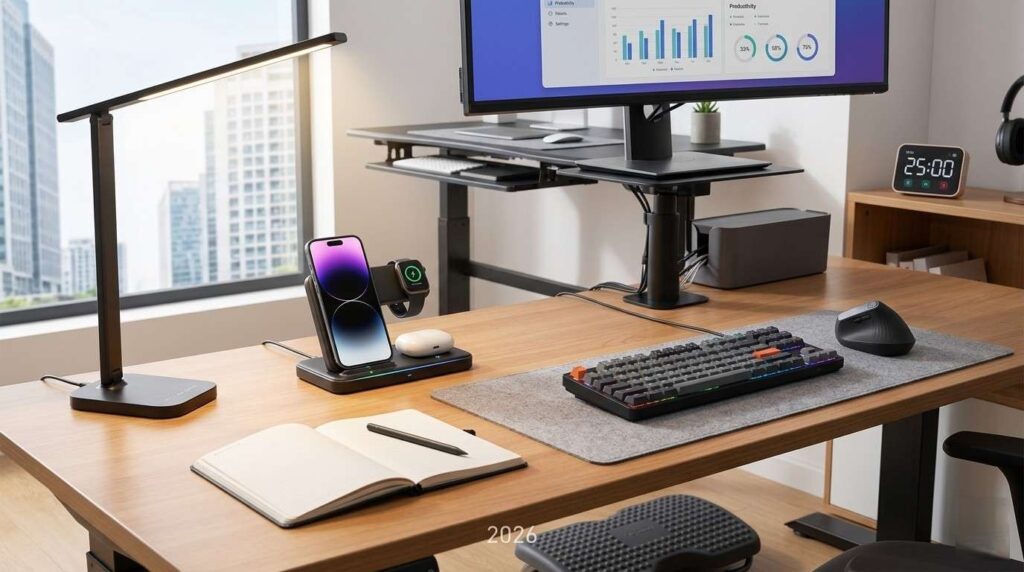
A cluttered desk often leads to a cluttered mind. Whether you’re working from home, gaming, studying, or creating content, the right minimalist desk setup essentials can dramatically improve focus, productivity, and comfort.
The beauty of a minimalist workspace is simplicity. Instead of filling your desk with unnecessary gadgets, you choose a few high-quality tools that genuinely improve your workflow and keep your setup clean.
In this guide, we’ll cover the best minimalist desk setup essentials for 2026, including ergonomic accessories, cable management tools, lighting, and productivity-enhancing gear that helps create a clean and modern workspace.
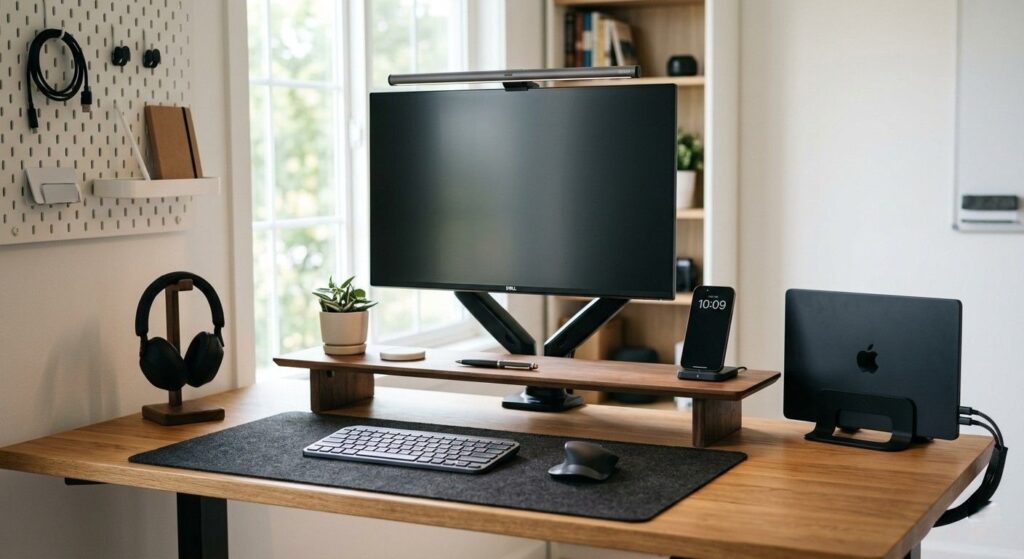
Quick Picks Table
| Best For | Product | Why It Wins |
|---|---|---|
| Best Overall | Grovemade Desk Shelf | Premium minimalist design with excellent organization |
| Best Budget | IKEA SKÅDIS Pegboard | Affordable and highly customizable |
| Best Premium | BenQ ScreenBar Halo | Saves desk space while improving lighting |
| Best Cable Management | JOTO Cable Sleeve | Simple solution for hiding messy cables |
| Best Ergonomic Upgrade | Logitech MX Keys Mini | Compact, clean, and comfortable |
| Best Desk Mat | Orbitkey Desk Mat | Keeps desk organized with minimalist aesthetics |
| Best Monitor Arm | HUANUO Monitor Arm | Frees up desk space instantly |
| Best Laptop Stand | Twelve South Curve | Stylish and ergonomic |
| Best Wireless Charger | Anker MagGo Charger | Reduces cable clutter |
| Best Minimal Lighting | Philips Hue Go | Soft ambient lighting for focus |
Best Minimalist Desk Setup Essentials
1. Grovemade Desk Shelf
- Best For: Premium desk organization
- Key Features:
- Solid wood construction
- Hidden storage underneath
- Minimalist Scandinavian-style design
- Pros:
- Extremely clean aesthetic
- Raises monitor ergonomically
- Durable premium materials
- Cons:
- Expensive
- Limited color options
- Why We Recommend It:
A desk shelf instantly makes a setup look cleaner while creating extra storage space underneath for keyboards and accessories. - Ideal User: Professionals, creators, minimalist enthusiasts
2. Logitech MX Keys Mini
- Best For: Compact productivity setup
- Key Features:
- Wireless multi-device support
- Low-profile keys
- Compact layout
- Pros:
- Excellent typing experience
- Saves desk space
- Quiet and comfortable
- Cons:
- No numpad
- Premium price
- Why We Recommend It:
A smaller keyboard creates more room on the desk while maintaining productivity and comfort. - Ideal User: Writers, programmers, students
3. Orbitkey Desk Mat
- Best For: Clean desk organization
- Key Features:
- Vegan leather surface
- Hidden document storage
- Cable holder included
- Pros:
- Protects desk surface
- Looks professional
- Keeps small items organized
- Cons:
- Slightly pricey
- Large size may not fit tiny desks
- Why We Recommend It:
A desk mat visually ties together the entire workspace and creates a cleaner appearance. - Ideal User: Office workers and remote workers
4. BenQ ScreenBar Halo
- Best For: Minimal desk lighting
- Key Features:
- Monitor-mounted light
- Adjustable brightness
- Reduces eye strain
- Pros:
- No desk space used
- Excellent lighting quality
- Sleek appearance
- Cons:
- Premium pricing
- Best with external monitors
- Why We Recommend It:
Proper lighting improves focus while keeping the desk visually uncluttered. - Ideal User: Night workers, designers, coders
5. HUANUO Monitor Arm
- Best For: Space-saving desk setups
- Key Features:
- Adjustable monitor positioning
- Cable routing support
- VESA compatibility
- Pros:
- Frees desk space
- Better ergonomics
- Cleaner cable setup
- Cons:
- Installation required
- Not ideal for extremely heavy monitors
- Why We Recommend It:
Monitor arms are one of the easiest upgrades for achieving a minimalist desk setup. - Ideal User: Anyone using external monitors
6. Twelve South Curve Laptop Stand
- Best For: MacBook and laptop users
- Key Features:
- Aluminum design
- Improved airflow
- Ergonomic viewing height
- Pros:
- Stylish minimalist look
- Better posture
- Durable build
- Cons:
- Non-adjustable
- Premium feel comes at a premium price
- Why We Recommend It:
Elevating the laptop creates a cleaner desk layout and improves comfort. - Ideal User: Laptop-based setups
7. JOTO Cable Management Sleeve
- Best For: Hiding messy cables
- Key Features:
- Flexible sleeve design
- Easy installation
- Multiple cable capacity
- Pros:
- Affordable
- Instantly cleaner appearance
- Simple solution
- Cons:
- Doesn’t organize individual cables
- May require trimming
- Why We Recommend It:
Cable clutter destroys minimalist aesthetics. This solves that problem cheaply and effectively. - Ideal User: Every desk setup
8. IKEA SKÅDIS Pegboard
- Best For: Vertical organization
- Key Features:
- Wall-mounted storage
- Modular accessories
- Budget-friendly
- Pros:
- Excellent value
- Customizable
- Saves desk space
- Cons:
- Requires wall mounting
- Accessories sold separately
- Why We Recommend It:
Vertical organization helps keep the desk surface clean and distraction-free. - Ideal User: Students and creators
9. Anker MagGo Wireless Charger
- Best For: Wireless charging without clutter
- Key Features:
- Magnetic alignment
- Fast charging
- Compact footprint
- Pros:
- Reduces cable clutter
- Easy phone access
- Travel-friendly
- Cons:
- Best for MagSafe devices
- Adapter may be separate
- Why We Recommend It:
Wireless charging keeps your workspace cleaner and more organized. - Ideal User: Smartphone-heavy users
10. Philips Hue Go
- Best For: Ambient minimalist lighting
- Key Features:
- Smart lighting controls
- Portable design
- Adjustable colors
- Pros:
- Creates relaxing atmosphere
- Smart app integration
- Compact design
- Cons:
- Requires app setup
- Premium cost
- Why We Recommend It:
Ambient lighting enhances workspace mood without adding clutter. - Ideal User: Creators, gamers, night workers
11. Samsung T7 Portable SSD
- Best For: Minimal file storage
- Key Features:
- Compact SSD storage
- Fast transfer speeds
- Durable design
- Pros:
- Tiny footprint
- Reliable performance
- Portable
- Cons:
- More expensive than HDDs
- Limited cable length
- Why We Recommend It:
A minimalist setup benefits from compact storage solutions that reduce desk clutter. - Ideal User: Creators and professionals
12. Ergotron Foot Rest
- Best For: Ergonomic comfort
- Key Features:
- Adjustable tilt
- Anti-slip surface
- Ergonomic support
- Pros:
- Improves posture
- Comfortable for long sessions
- Durable
- Cons:
- Hidden under desk
- Slightly bulky
- Why We Recommend It:
Minimalism also means comfort and functionality, not just appearance. - Ideal User: Long-hour desk workers
How to Choose Minimalist Desk Setup Essentials
Budget
You don’t need an expensive setup to achieve minimalism. Start with essentials like cable management, a desk mat, and a compact keyboard before upgrading premium items.
Quality
Minimalist setups focus on fewer but better products. Prioritize durable materials like aluminum, solid wood, and high-quality plastics.
Features
Look for space-saving features:
- Wireless connectivity
- Multi-device support
- Adjustable ergonomics
- Hidden storage
Size
Measure your desk carefully before buying accessories. Compact desks benefit most from vertical organization and monitor arms.
Compatibility
Ensure accessories work with your devices:
- VESA support for monitor arms
- Mac/Windows compatibility
- MagSafe support for chargers
Brand Trust
Reliable brands often provide better build quality, warranty support, and long-term durability.
Warranty
A good warranty matters for premium desk accessories and electronics.
Who Should Buy What
| User Type | Recommended Essentials |
|---|---|
| Students | Compact keyboard, pegboard, desk mat |
| Professionals | Monitor arm, desk shelf, ergonomic lighting |
| Creators | Ambient lighting, SSD, monitor arm |
| Gamers | Cable management, monitor arm, lighting |
| Remote Workers | Ergonomic accessories and desk organizers |
Top 3 Comparison Table
| Product | Best Feature | Best For | Price Range |
|---|---|---|---|
| Grovemade Desk Shelf | Premium organization | Overall minimalist setups | Premium |
| Logitech MX Keys Mini | Compact productivity | Daily work | Mid-range |
| BenQ ScreenBar Halo | Space-saving lighting | Eye comfort & aesthetics | Premium |
FAQ Section
What is a minimalist desk setup?
A minimalist desk setup focuses on keeping only essential items on the desk to create a clean, distraction-free, and productive workspace.
Are minimalist desk setups better for productivity?
Yes. Cleaner workspaces often reduce distractions and help improve focus, organization, and workflow efficiency.
What is the most important minimalist desk accessory?
Cable management is one of the most impactful upgrades because visible cable clutter quickly makes a setup feel messy.
Do I need expensive products for a minimalist setup?
No. A minimalist workspace can be created affordably with smart organization and a few well-chosen accessories.
Which color works best for a minimalist desk setup?
Neutral colors like white, black, gray, and natural wood tones are the most common minimalist choices.
How can I hide desk cables effectively?
Use cable sleeves, under-desk trays, cable clips, and wireless accessories to reduce visible clutter.
Is a monitor arm worth it?
Yes. A monitor arm frees desk space, improves ergonomics, and creates a cleaner overall appearance.